


Kontron ToolSuite
Central Management Solution for BIOS Configuration in Embedded Systems.
Kontron ToolSuite is included in our support package – free download in Kontron customer section!
Secure. Automated. Consistent.

From One Interface to Every Device
A one-stop suite of software tools and libraries that streamlines BIOS / UEFI configuration, hardware monitoring and deployment in one unified interface across x86 based embedded systems for OEMs and system integrators. Kontron ToolSuite empowers FAEs and production engineers to configure and modify BIOS settings securely, automated and consistently as well as IT/OT security officers to ensure governance measures can be implemented in compliance with CRA, NIS-2 and IEC 62443.
Key Benefits – Why Kontron ToolSuite?

Customization at Scale
Customization at Scale

Error Free Production
Error Free Production

Faster Time-to-Market
Faster Time-to-Market

Secure BIOS Governance
Secure BIOS Governance

Unified Interface
Unified Interface

Effortless Use
Effortless Use

Trusted Expertise
Trusted Expertise
Kontron ToolSuite – Explore Our Features
The unified solution to configure, customize, and deploy BIOS and system parameters across embedded systems, securely and consistently.
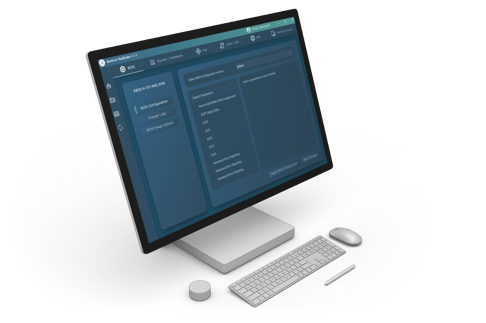
BIOS Configuration Management
Create, import, and manage BIOS and system configurations with version control. Adjust parameters such as BIOS defaults, logos, fan curves, LVDS/EDP display settings, and DMI data. Easily import existing configuration files or generate new versions for each project or customer.
Create and modify BIOS configuration versions
Logo change integration
View and adjust fan, LVDS config and DMI data
Import/export of config files
Select and modify default BIOS
Read live BIOS
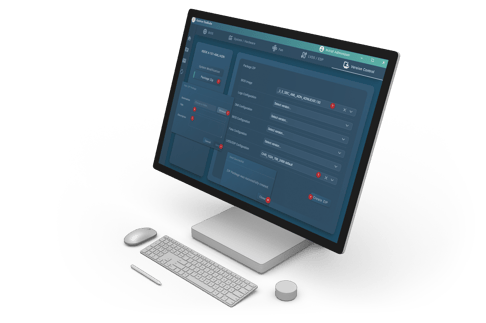
Automated Deployment
Apply multiple configuration versions automatically across connected devices.
The built-in package manager creates deployable ZIP bundles containing BIOS, logo, fan, and display settings, executed via one script on Windows or Linux.
Create and distribute ZIP deployment packages via CLI
Remote configuration application on client devices
DMI feature for applying changes on selected client devices
Cross-platform support (Windows & Linux)
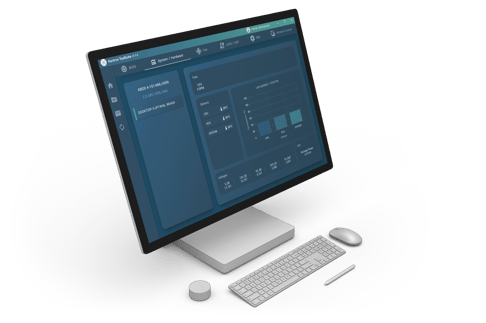
System Hardware Monitoring & Logging
Gain insight into connected embedded systems and executed actions.
Monitor temperature, voltage, and fan speeds and access detailed client/server logs directly from the UI.
Real-time hardware monitoring & visualization
Centralized log access from UI
Activity feedback from client devices
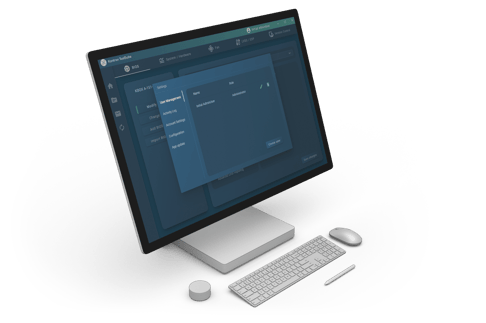
Secure User & Access Control
Manage who can access and change system configurations.
Built-in authentication, encrypted local database, and admin tools ensure secure and traceable operation in shared engineering environments.
Role-based access (Admin, Engineer, User)
Encrypted LiteDB storage
Password reset and lockout mechanisms
Admin-controlled account creation and recovery
Secure Boot & TPM Support
Change Logging & Audit Trails for BIOS versions
Rollback Protection to prevent downgrades to unsecure BIOS versions
Talk to us about your BIOS configuration processes
Application Scenarios
ToolSuite has been developed to solve real challenges for OEMs and system integration from the initial production process over customization to regular security updates along the entire product life cycle. Which of the scenarios applies to you?

Accelerated In-Design Process
Quickly test and adjust BIOS parameters during prototype development. ToolSuite lets engineers apply new configurations from software without manual reflashing and using centralized version control and client communication. This shortens validation loops and accelerates proof-of-concept development.

OEM Customization
Easily create customer- or project-specific BIOS, fan, LVDS, and DMI configurations. Versioning and import functions let OEMs and integrators adapt parameters for each machine variant or regional requirement. Packages bundle all settings for fast, consistent rollout, no manual tuning needed.

Error Free Production
In the assembly line, ToolSuite automates BIOS and configuration setup. Operators simply apply predefined templates that ensure every board is configured identically. This eliminates manual input errors, ensures repeatability, and saves time during mass production.

Secure Updates & Remote Maintenance
Maintain deployed systems securely within your production network. ToolSuite enables controlled remote configuration updates for connected devices - without manual access. Encrypted authentication and role-based access keep operations protected, while future releases will extend these capabilities to signed OTA updates and compliance management.

Lifecycle Management
Track configuration versions and maintain transparency throughout the product lifecycle. ToolSuite logs hardware metrics and stores configuration versions centrally, helping teams identify changes and keep systems aligned. Kontron’s long-term support ensures reliable operation and smooth evolution as standards advance.
Proven and Versatile Embedded Hardware – Suitable for Your Requirements
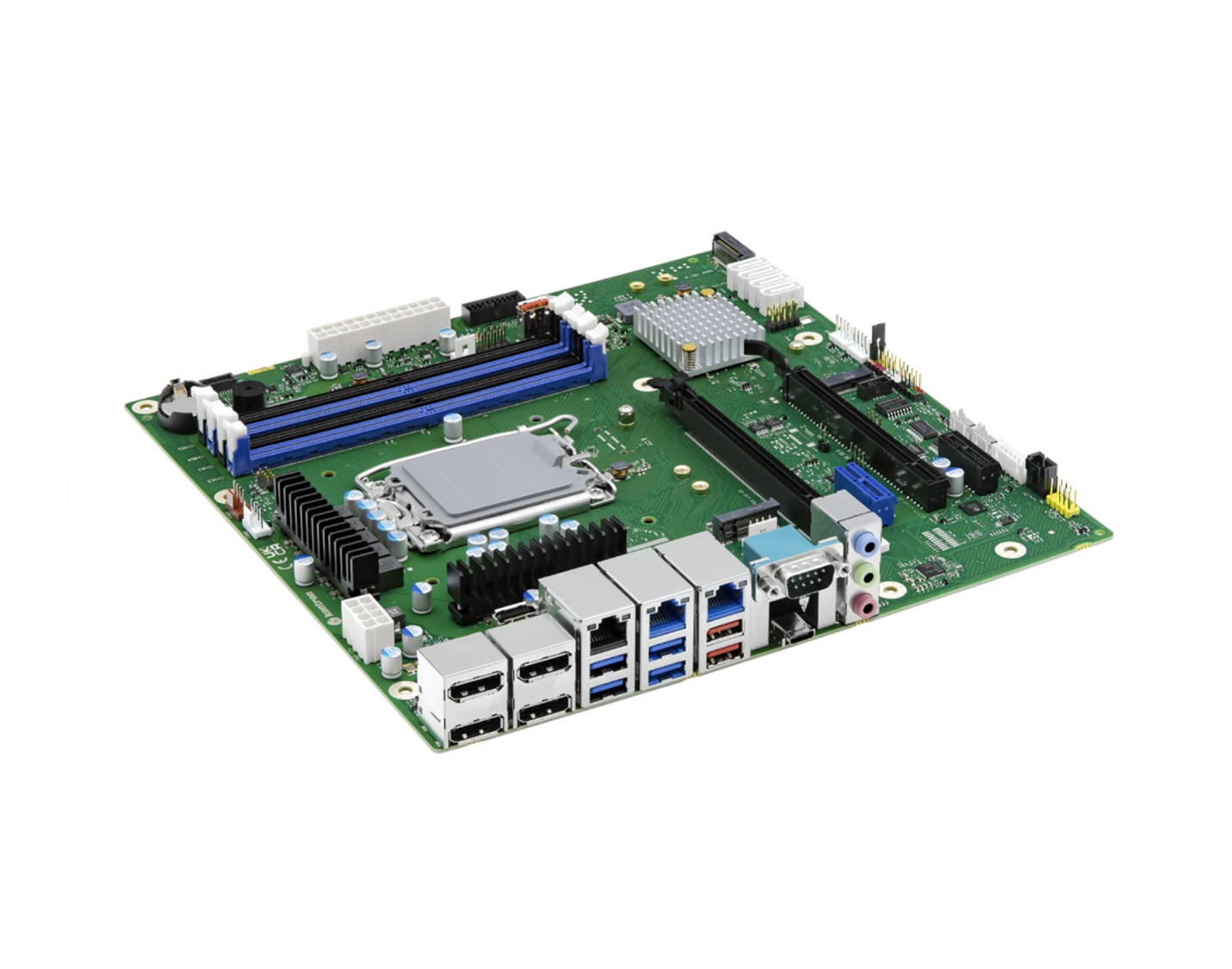
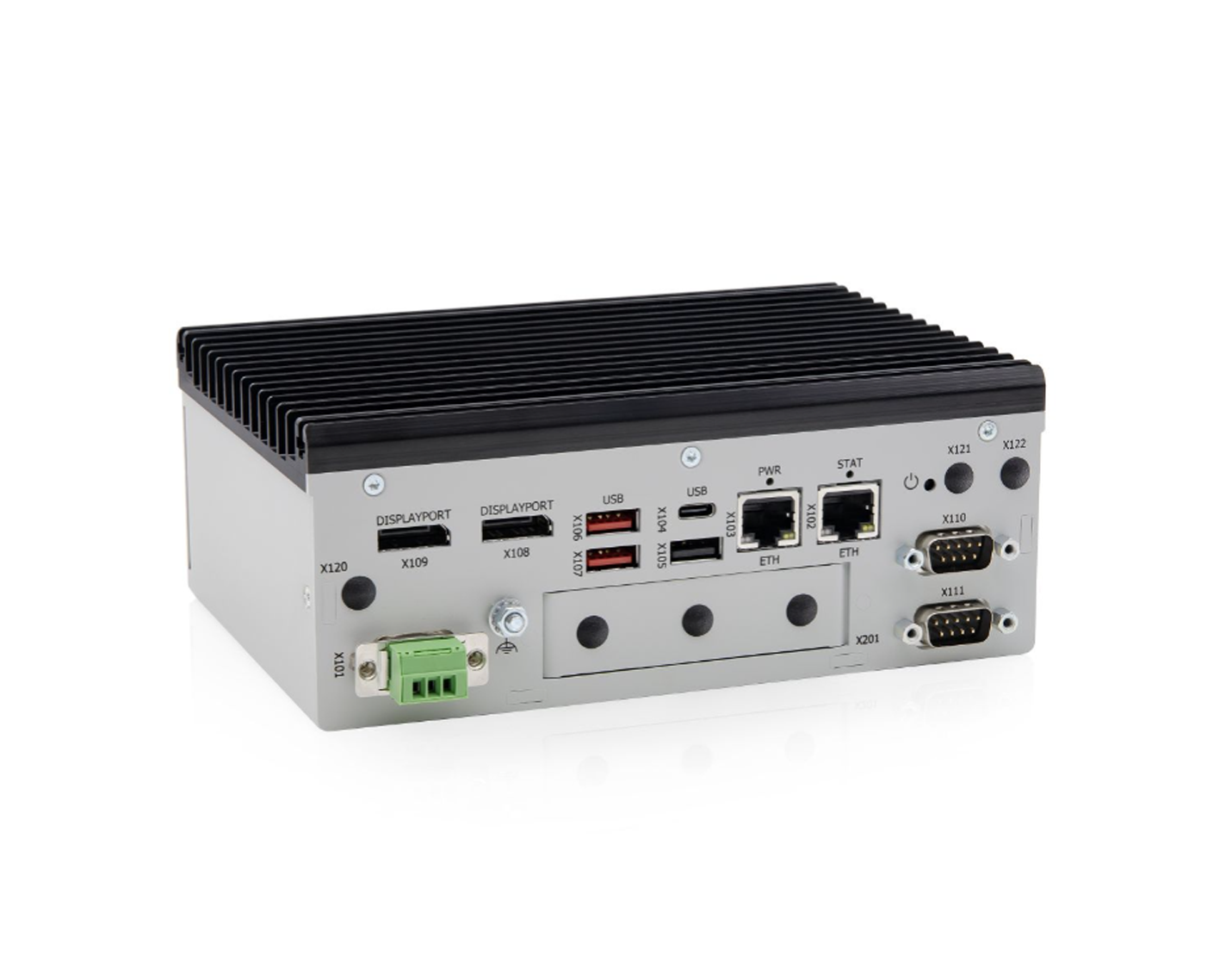

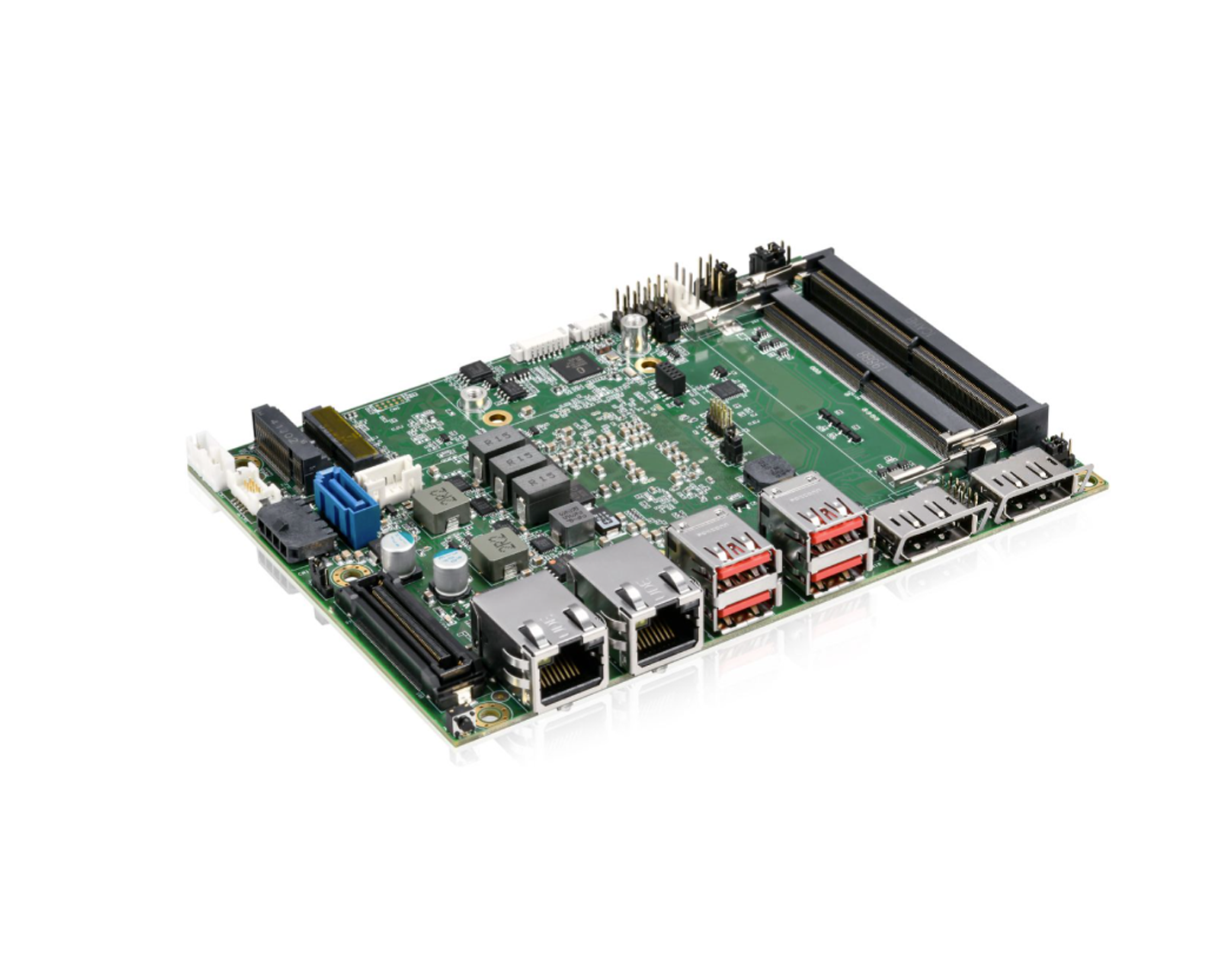
Single Board Computer
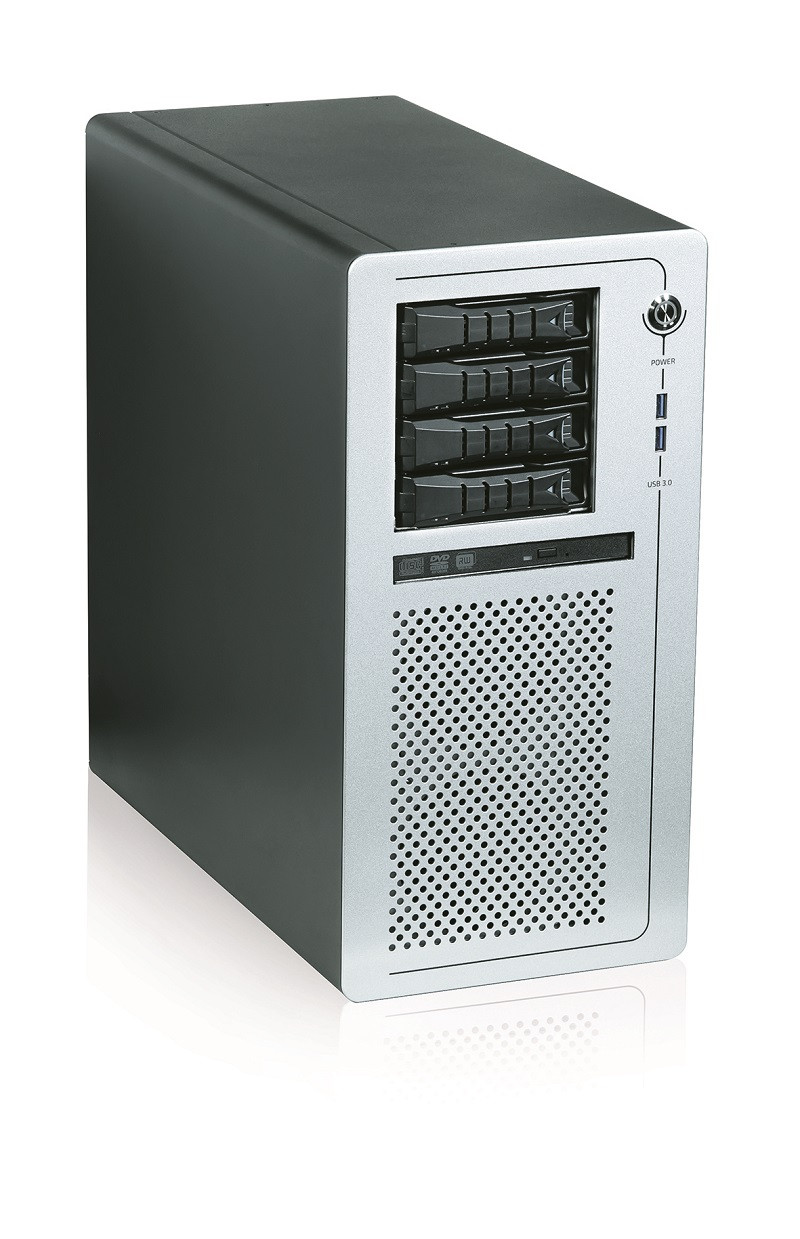
Workstations
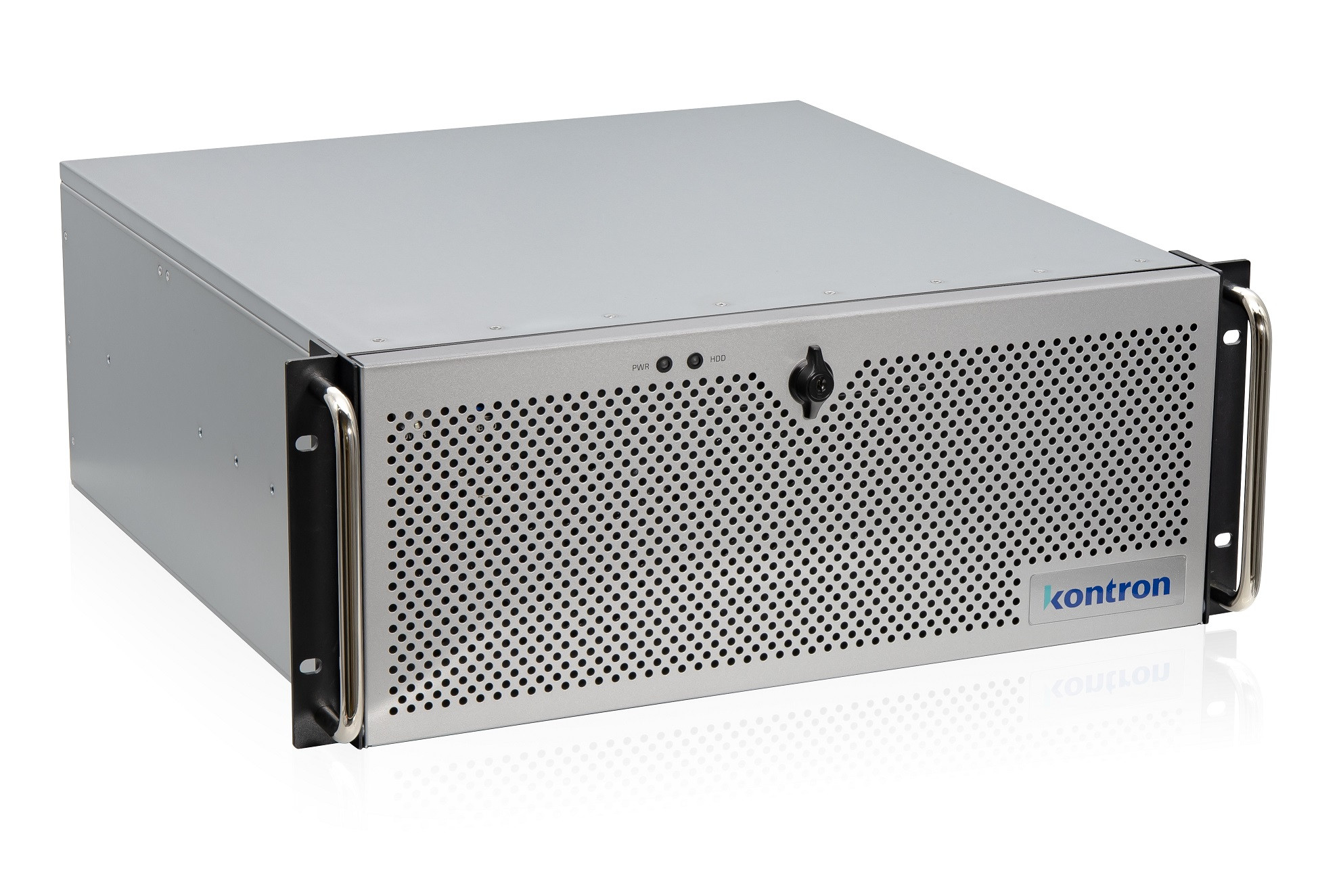
Rack Mount Systems
FAQ
What is a BIOS / UEFI configuration tool and why is it important for your CRA strategy?
A BIOS/UEFI configuration tool is a software solution that allows you to centrally manage, configure, customize, and deploy BIOS and UEFI firmware settings across multiple embedded systems.
With Kontron ToolSuite, engineers define standardized BIOS configurations, set parameters, and apply them automatically across devices. This ensures that every system runs with consistent, validated settings, reduces manual effort, and eliminates configuration errors.
At the same time, you gain full control over security and compliance. Kontron ToolSuite provides audit trails, role-based access control, and rollback protection. This helps you align with regulatory requirements such as the Cyber Resilience Act (CRA), NIS-2, and IEC 62443. This makes it a key component for secure and compliant BIOS management in modern embedded systems.
How quickly can you start managing BIOS versions with Kontron ToolSuite centrally?
You can get started within a very short time, as Kontron ToolSuite is designed for fast and straightforward deployment.
You install server centrally and deploy the client application to your target devices. From there, you can immediately import existing BIOS configurations or create standardized new versions with built-in version control.
Instead of configuring devices one by one, you bundle settings into deployable packages and roll them out across multiple systems in parallel. This allows you to replace manual setup processes with automated BIOS configuration workflows from day one.
With cross-platform support for Windows® and Linux®, you can integrate Kontron ToolSuite seamlessly into your existing infrastructure and start managing BIOS configuration at scale.
Where can I get Kontron ToolSuite?
Kontron ToolSuite is provided through the Kontron customer portal, where you can securely download both the server and client applications.
Once you have access, you install the server application in your central environment and deploy the client application to your target devices. This setup enables you to start managing BIOS configurations across your systems from a single interface.
How does Kontron ToolSuite help FAEs and production engineers manage BIOS configuration efficiently?
Kontron ToolSuite gives FAEs (Field Application Engineers) and production engineers full control over BIOS configuration without the need for manual, device-by-device setup.
They can centrally create, adjust, and version BIOS configurations, then deploy them automatically across multiple systems. This ensures consistent configurations across all devices and reduces errors in production.
For daily operations, Kontron ToolSuite provides real-time system monitoring and detailed logs, so FAEs and production engineers always know the status of their devices. Built-in security features such as role-based access control, encrypted databases, audit trails, and rollback protection ensure that every change is traceable and compliant.
As a result, you reduce manual effort, ensure consistency, and establish repeatable, auditable configuration workflows across your entire device fleet.
What are the benefits for OEMs and system integrators to combine Kontron hardware with Kontron ToolSuite?
Combining Kontron hardware with Kontron ToolSuite gives OEMs and system integrators a fully integrated solution for centralized BIOS management across their embedded systems.
They can configure, deploy, and manage BIOS settings consistently across all devices from a single interface. This shortens development cycles, accelerate time-to-market, and ensures error-free production through automated BIOS configuration and standardized templates.
At the same time, they gain maximum flexibility in customization. OEMs and system integrations can tailor BIOS and system settings to specific customers or project requirements efficiently, while maintaining full control over configuration consistency.
In addition, integrated security features and centralized governance help you to streamline development, production, and support, while ensuring BIOS configurations remain consistent and compliant.
Which hardware is supported by Kontron ToolSuite?
Kontron ToolSuite supports x86-based embedded platforms across a wide range of Kontron hardware.
This includes motherboards, Single Board Computers (SBCs), embedded box PCs, as well as HMIs/Panel PCs. All supported devices can be centrally managed and configured through one unified interface.
The supported hardware portfolio is continuously expanding. If your specific device is not listed, please contact us to check compatibility or discuss integration options.
How secure is Kontron ToolSuite in terms of compliance and certifications?
Kontron ToolSuite is designed to support secure and compliant BIOS management in line with regulatory requirements like Cyber Resilience Act (CRA), NIS-2 and IEC 62443.
It provided built-in security features including role-based access control to restrict and trace configuration changes made by users, encrypted data storage, and strong authentication mechanisms to protect system configurations. Audit logs and rollback protection ensure full traceability and prevent insecure firmware changes. In addition, support for technologies such as secure boot and TPM strengthens system integrity and enables trusted execution across devices.