
What is a CAL? Understanding Client Access Licenses for Windows IoT
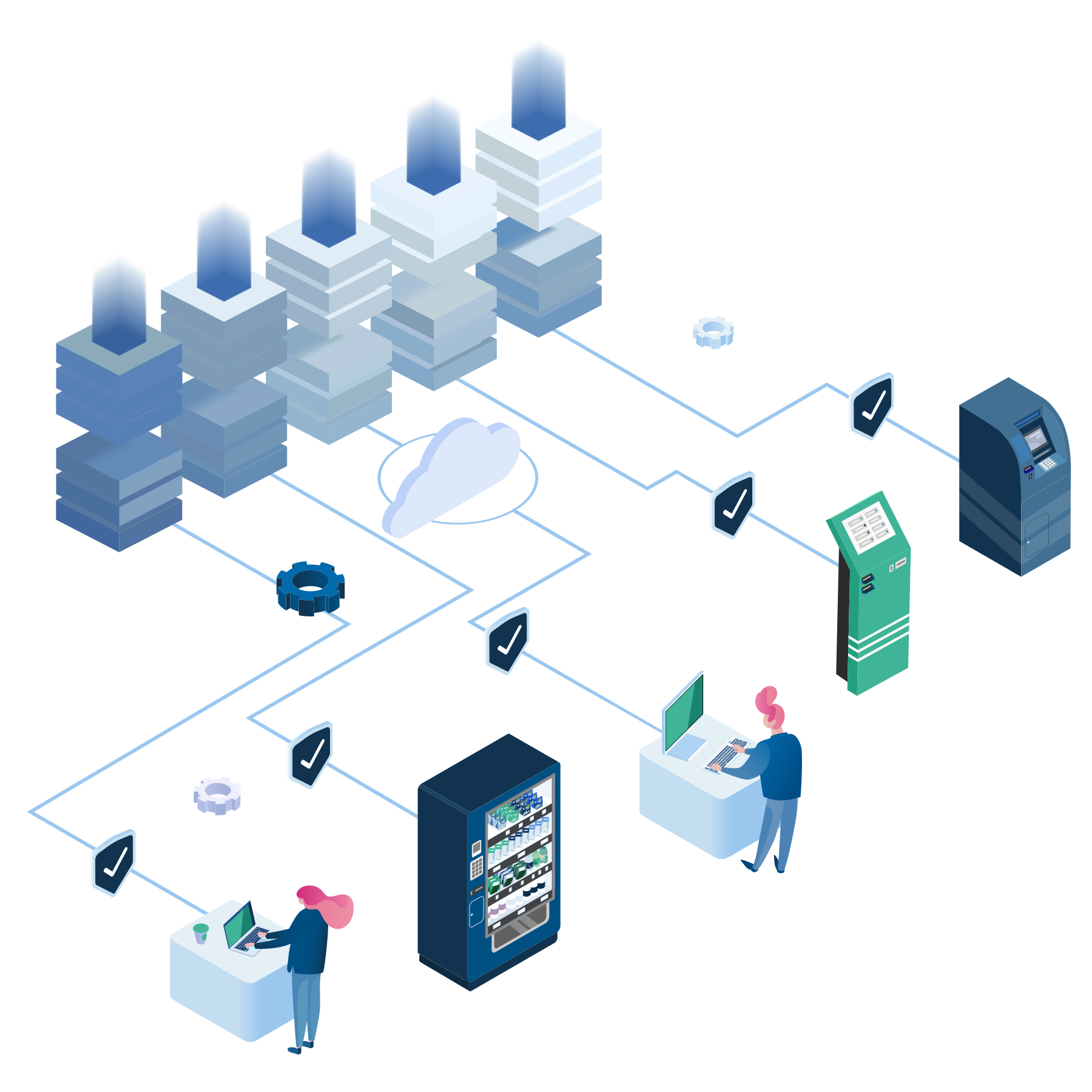
Licensing Microsoft Server IoT or SQL Server IoT is not just about the software; it’s also about how users and other devices access it. Because Windows Server IoT and SQL Server IoT are frequently deployed together, customers often ask how to license this configuration properly. The answer starts with Client Access Licenses (CALs).
Do I need a CAL?
The challenge with CAL licensing is that it requires a technical understanding of how devices and users are connecting to the embedded device. Each connection to Windows Server IoT or SQL Server IoT requires a CAL, so the typical answer to the question, “Do I need a CAL for this scenario?” is, “Yes.”
What is a CAL?
As Microsoft explains, “A CAL is not a software product; rather, it is a license that gives a user the right to access the services of the server.”
There are two types of CALs: Device and User CALs. Figuring out the number of users and devices that will be connecting to the solution helps you determine which type to use. The goal is cost effectiveness, so you will want to select the lower number between the two.
User CALs
With User CALs, an OEM purchases a CAL for every user who accesses the server to use services, regardless of the number of devices they use for that access. This sort of license is useful for situations where users do not regularly have access to a specific machine, like a gas station company that monitors stations across a region, or when users tend to have access to their own personal machine, like in remote work.
Device CALs
When it comes to Device CALs, an OEM purchases a CAL for every device that has access to the server, rather than each specific user. In these cases, several users could utilize a single licensed device. This sort of license is useful for situations where multiple users might be accessing the same device, like a store open 24 hours a day, or a manufacturing facility where employees over several shifts use the same machine.
In general, User CALs are more common, however, there are certain scenarios that make Device CALs the better choice.
CAL-Less?
If you’re buying Windows Server IoT, Microsoft now offers a “CAL-Less” license that allows unlimited users and devices.
With this new, simplified option, you no longer need to choose between user and device or determine the number of clients you need. As a bonus, this leaves you fewer part numbers to deal with.
Although the base license is more expensive, it becomes cost-effective if you would require 8 or more access licenses. Note this is currently limited to Windows Server IoT and excludes Remote Desktop Server CALs, which must be purchased separately.
Choosing the right CAL
To make sure you choose the right CAL for your business, remember these three essentials:
First, embedded program CALs are channel-agnostic, meaning if you purchase an embedded CAL, it can be used with products purchased in other Microsoft licensing channels (such as Volume Licensing).
Second, you cannot use previous generation CALs with newer versions. For example, you may not use Windows Server 2016 CALs with Windows Server IoT 2019. Instead, you will need new 2019 version CALs. You can, however, use newer CALs with older products.
Finally, SQL Server CALs are typically more expensive than Windows Server CALs. But Microsoft has a Core-based SQL license available that provides for unlimited connections, meaning no CALs required. This often is a cost-effective choice for OEMs building solutions that require many (or difficult to predict) connections.
Talk to a CAL expert
We are here to work with you and support your next Windows IoT embedded solution. As an authorized Microsoft IoT distributor, Kontron has been helping customers with Microsoft solutions since 1994. Explore an overview of how to purchase Windows for IoT or contact us today.